Summary
Give customers one place to start work across domains and a way to return to the artifacts from each conversation.
I compared three layouts and designed how customers start a chat, work with artifacts, and resume a conversation.
Customers can complete short interactions in chat and open related artifacts in a workspace alongside it.
In three weeks, I took the direction from exploration to first-review approval. Front-end implementation began immediately after the review.
Context
Check Point was exploring how chat could fit into work that spans multiple domains. I had three weeks to develop a direction with the product manager and present it for review.
Should we add AI chat to a familiar workspace, or rethink how customers start and carry out their work?
Research
These examples show where AI chat sits and how users open related work.
Microsoft Security Copilot
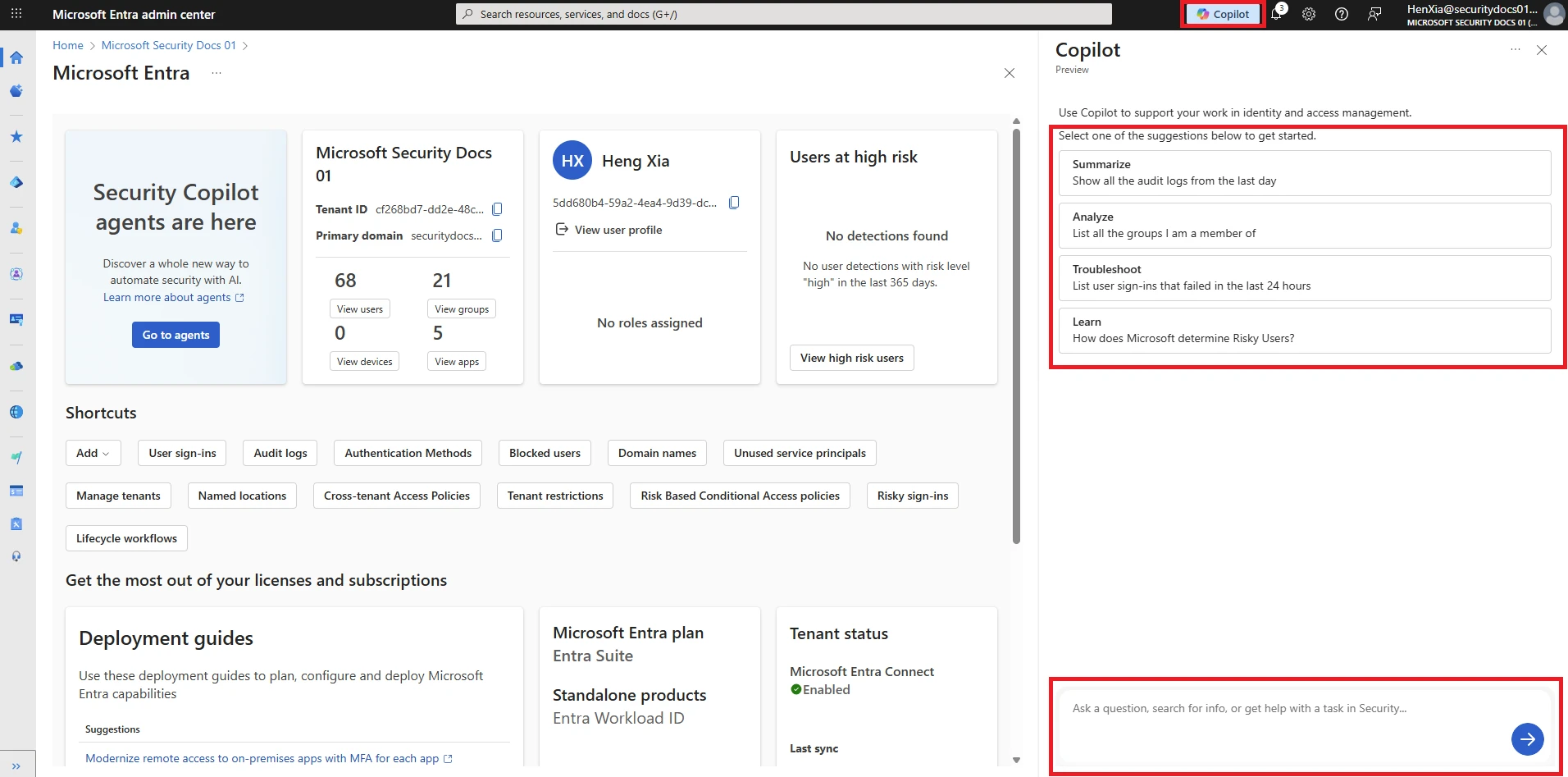
Classic layout with AI assistant aside.
Elastic AI Assistant for Security
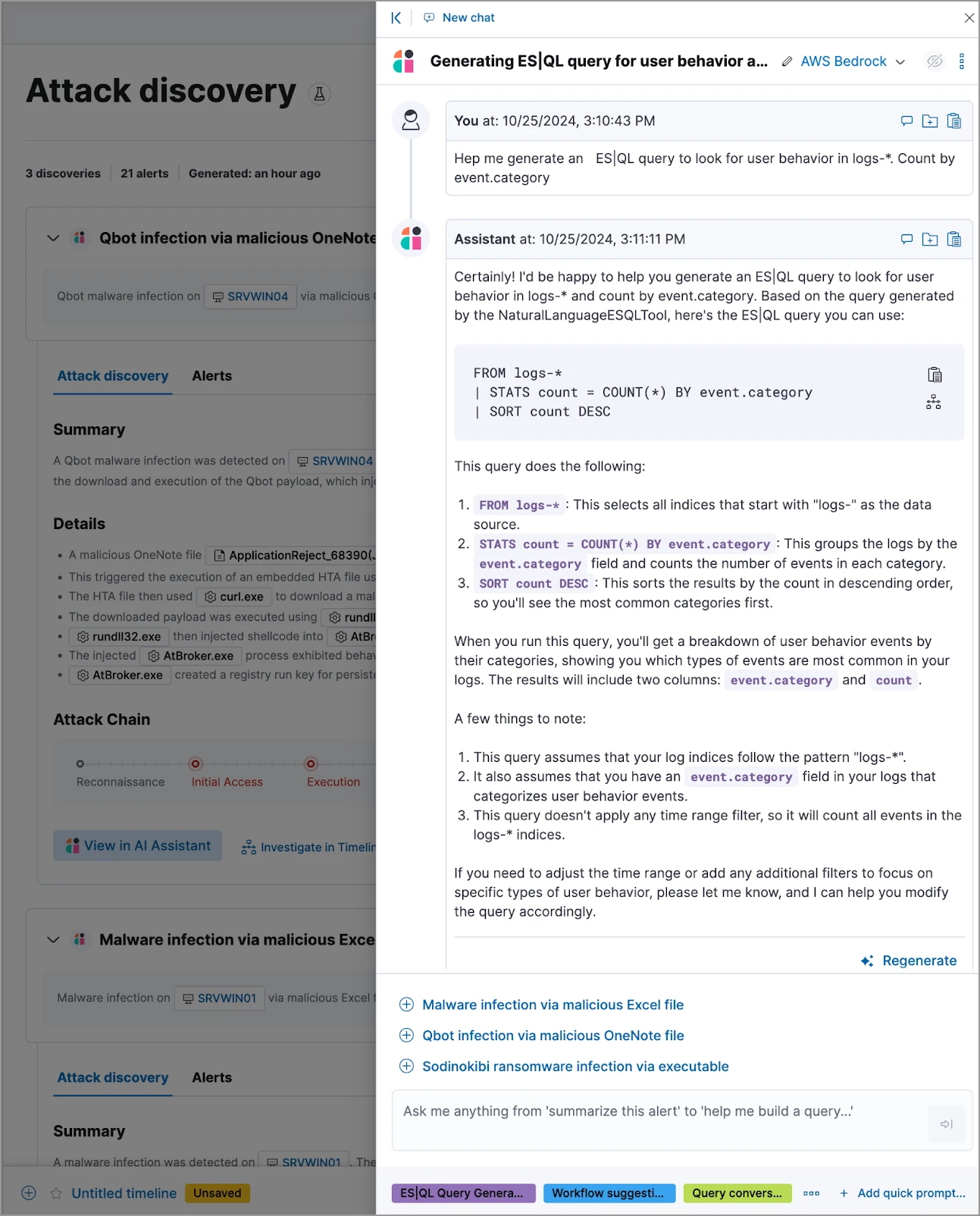
Chat as a context-aware assistant
Claude Artifacts
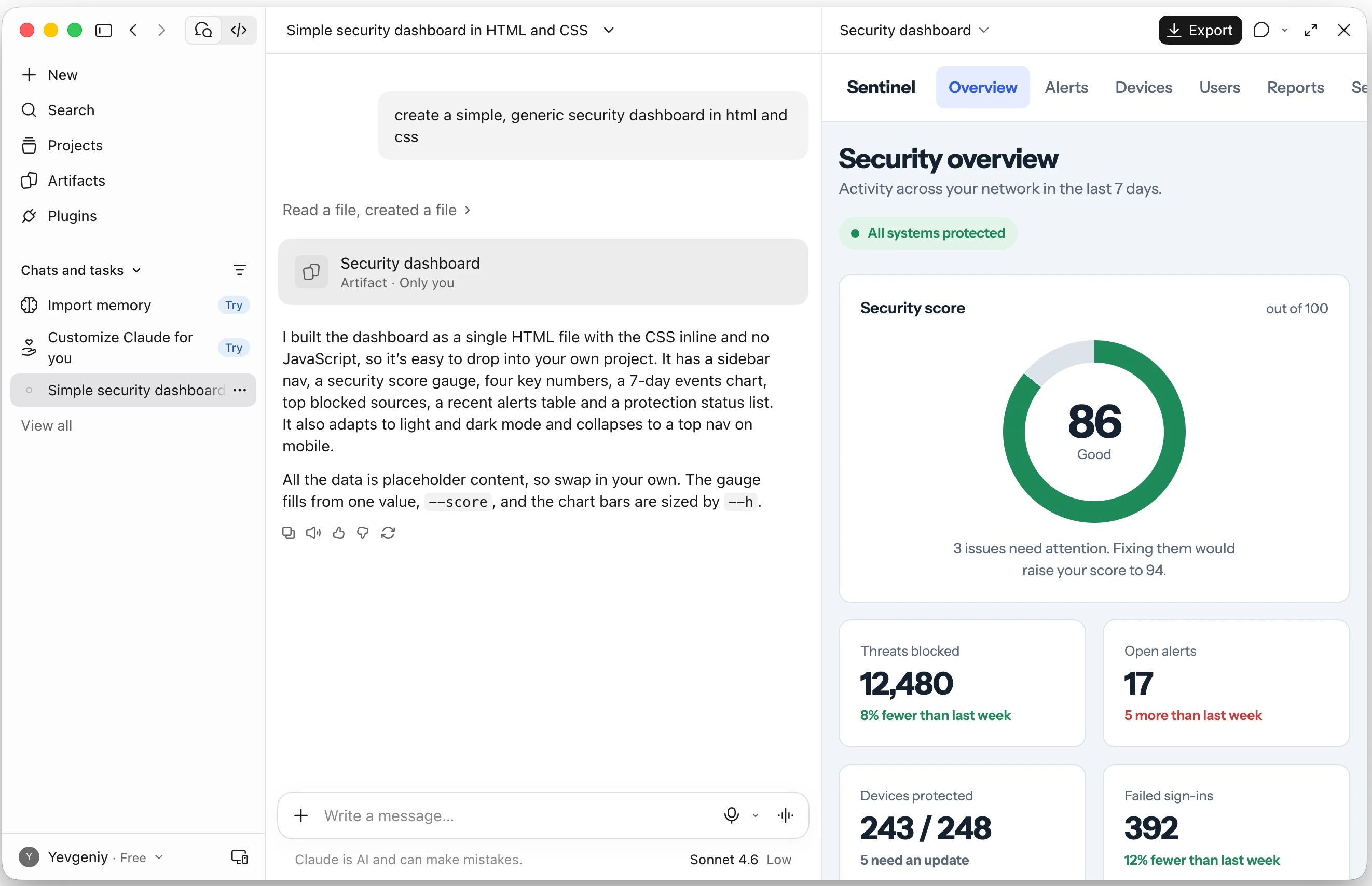
Conversation-first layout
The question for this project was which steps could happen in chat and which needed more room. A short confirmation could fit inline. Inspecting an artifact called for a workspace where the conversation could stay in view.
Exploration
The PM wanted the project to feel distinct from Check Point’s existing interfaces. That input was one reason I included a conversation-first option when exploring three ways to structure chat and the workspace.
Workspace-first
The workspace leads, with fixed navigation organized around the main domains. AI chat is available within it as a co-pilot when needed.
Dual surface
The workspace and conversation sit side by side as independent surfaces, each with a dedicated area.
Conversation-first
Conversation leads the interaction. A supporting workspace helps visualize complex information and work on artifacts as the task develops.
The comparison reflects my assessment of how each direction would support these ways of working.
| Direction | A Workspace-first A domain-based workspace with optional AI chat. | B Dual surface Independent workspace and conversation areas. | C Chosen Conversation-first Conversation leads, with a supporting workspace. |
|---|---|---|---|
| Clear hierarchy and navigation | Yes: Fixed navigation organizes work by domain and gives customers a clear route into each workspace. | No: The two independent surfaces split the hierarchy and navigation. | Yes: Customers return to requests through the chat list and open related artifacts from the conversation. |
| A shared place for chats across domains | No: Conversations are grouped by domain. | Uncertain: It is unclear whether the dedicated conversation area would provide access to all chats. | Yes: Recents provides a shared place to return to chats across domains. |
| Start and continue work across domains in one chat | No: Customers open chat within a specific domain, and the conversation stays scoped to that domain. | Yes: The dedicated conversation area gives customers a shared entry point, and one chat can span multiple domains. | Yes: New chat is a shared entry point, and the same conversation can bring together work across domains. |
| Work in chat without opening the workspace | No: Chat augments the domain-based workspace. | Yes: The dedicated chat can support work independently of the separate workspace. | Yes: Chat can present simplified forms and controls inline. The workspace supports tasks that need more room for inspecting artifacts. |
| Keep domains clearly separated | Yes: Fixed navigation and conversations are organized by domain. | Yes: The dedicated workspace can retain explicit domain navigation. | Uncertain: The initial direction left open how to keep domains clearly separated within a conversation-first model. |
| Keep chat and workspace context connected | Yes: Chat is embedded in the current workspace. | Uncertain: It is unclear how the independent surfaces would keep chat and workspace context connected. | Yes: The supporting workspace sits within the conversational task. |
| Decision | It gives each domain a clear home, but a request that spans domains has no shared place to start or continue. | It supports cross-domain chat, but the two surfaces split navigation and leave the link between a request and its artifacts unclear. | It gives customers one place to start across domains and keeps artifacts with the conversation. Individual domains are less visible in the main navigation. |
Decision
I chose the conversation as the starting point so customers could begin work before deciding which domain it belonged to. Giving each chat its own workspace also gave its artifacts a predictable home. The trade-off was that individual domains became less visible in navigation. How customers would group related conversations remained an open question for the next phase.
Solution
The screens below show how customers start in chat, confirm details inline, and open a workspace that stays connected to the conversation.
One place to start a conversation
Customers can start in their own words. Suggested tasks and input hints give them a way in when they are unsure what to ask.
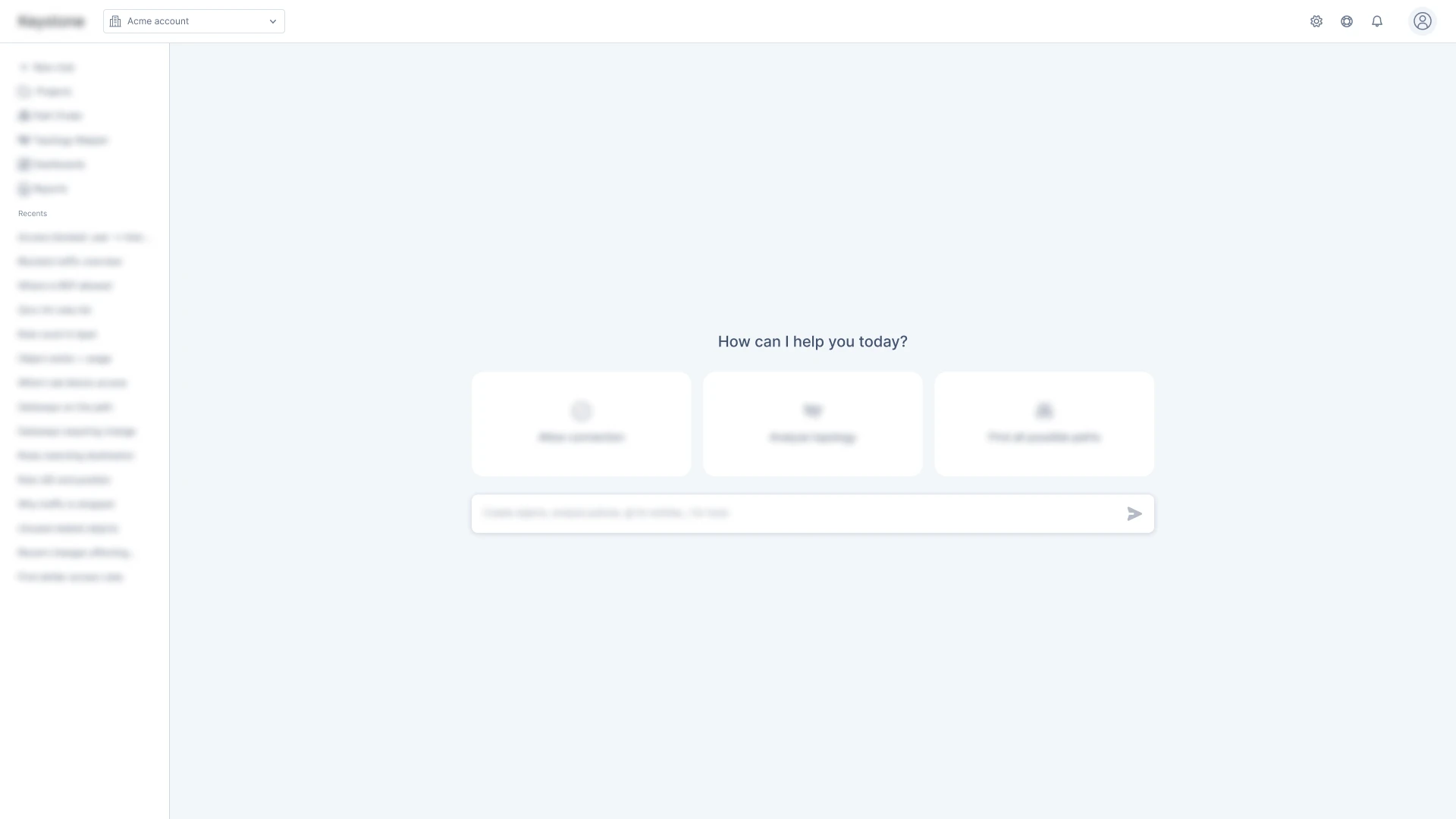
New chat opens a prompt where customers can ask a question or make a request in their own words.
Chat works independently of the workspace
Chat can present simplified forms and controls inline, so customers can edit and confirm request details without opening the workspace.
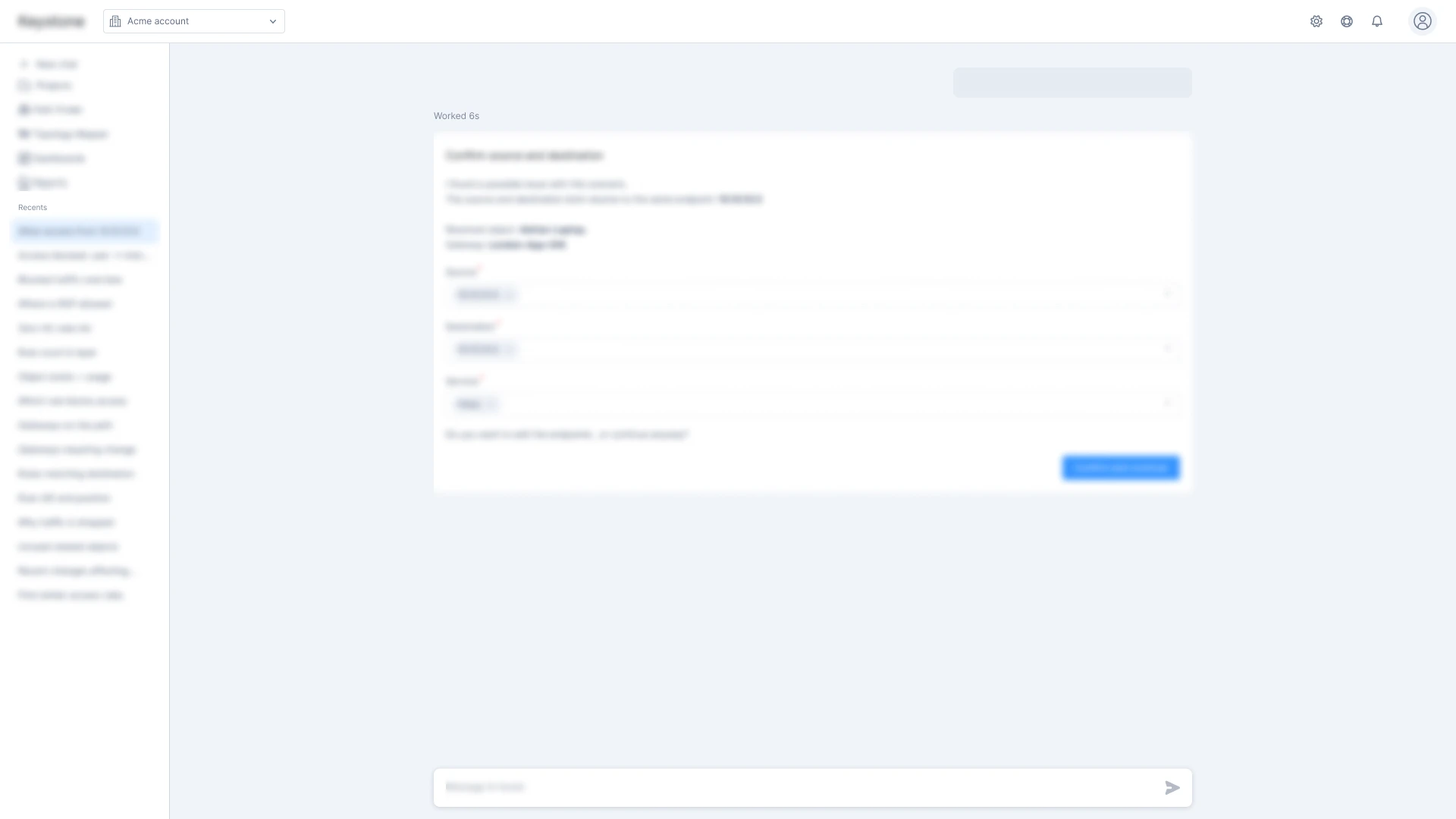
- Inline confirmation form
Chat can handle structured interactions on its own, such as editing and confirming request details.
Open an artifact beside the conversation
Opening an artifact from a chat brings it into the workspace on the right. The conversation stays visible, so customers can refer to the exchange that produced the artifact as they inspect it.
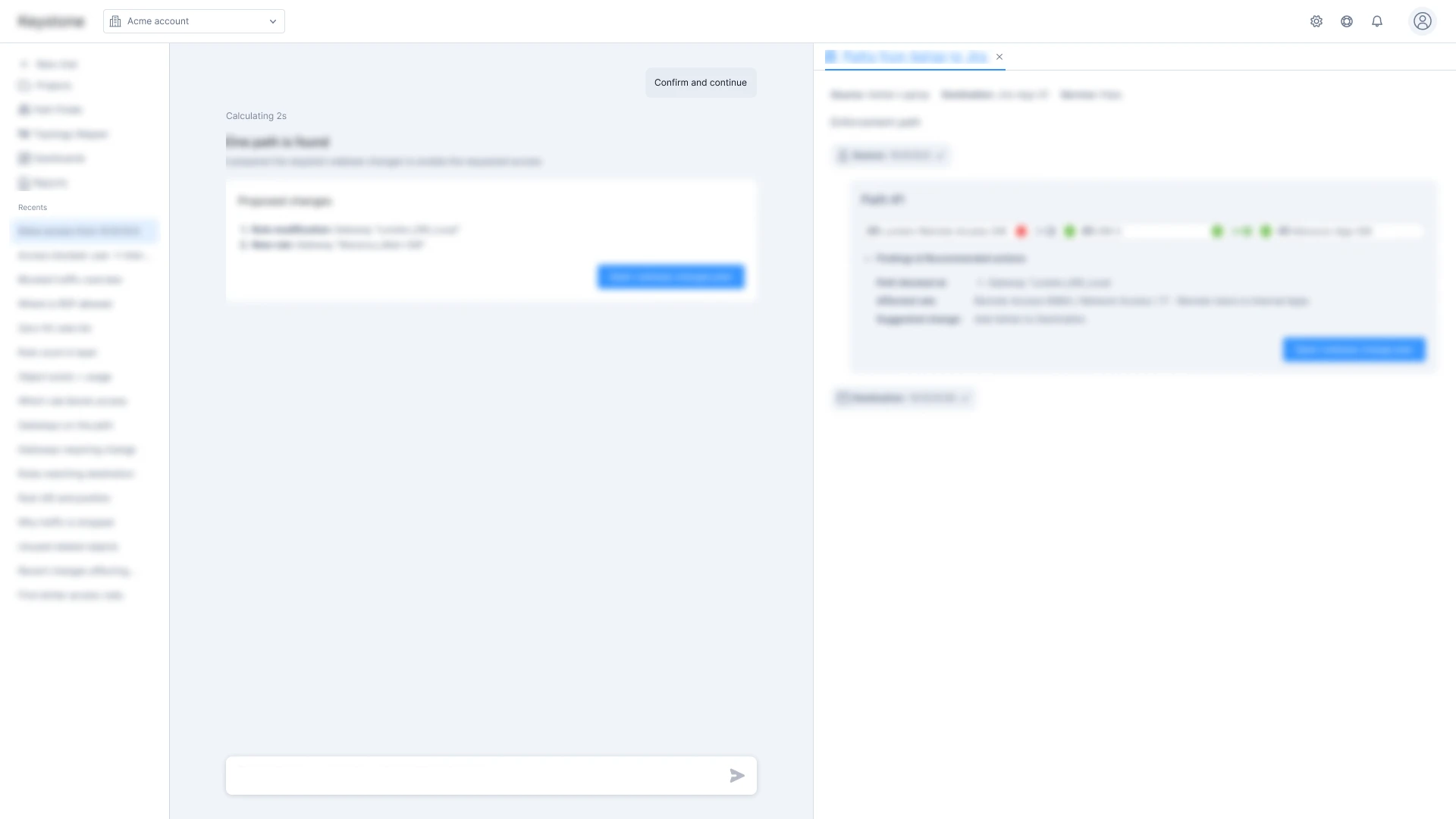
- Navigation, chat, and workspace
The chat stays in the center while the selected artifact opens on the right.
- Chat history
Recents lists conversations across domains.
Return to a chat with its artifacts open
Each conversation keeps its own set of open tabs. When customers reopen a chat from Recents, its workspace returns with the artifacts they had open.
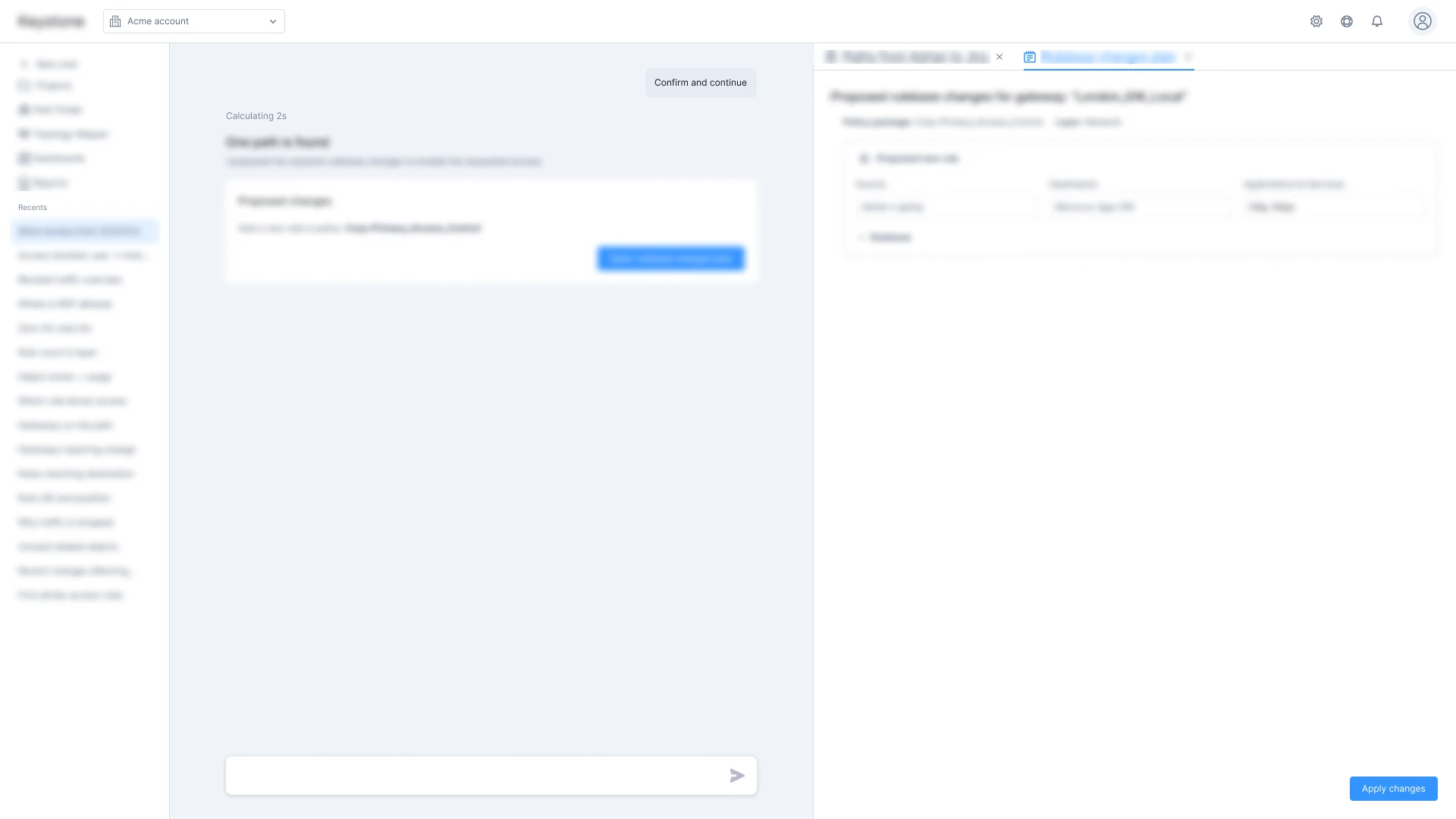
- Each chat keeps its workspace
Reopening a chat restores its open artifact tabs, so customers can pick up the conversation and its workspace where they left off.
- Switch between artifacts
Each tab opens a different artifact from this conversation.
Impact
Approved at the first review. Check Point’s VP of Products approved the conversation-first direction at the project’s first review.
It looks familiar. I feel like I know how to use it!
Ready in three weeks. The design direction was ready for review by the PM lead’s deadline.
Implementation began immediately. Front-end development started right after the review.
Follow-up
In the next phase, I designed Projects to group related chats, sources, and artifacts. Customers can dedicate a project to one domain when they need that separation, or bring several domains together for shared work. This gives customers control over how they organize their work while keeping chat as the shared starting point.