Summary
Once I owned upstream UX as well as UI, I needed to explore and compare whole flows before implementation, without giving up the fidelity I had from designing in the browser.
I conceived, designed, and built the tool, first at HP on AngularJS, then rebuilt it from scratch at Check Point on React.
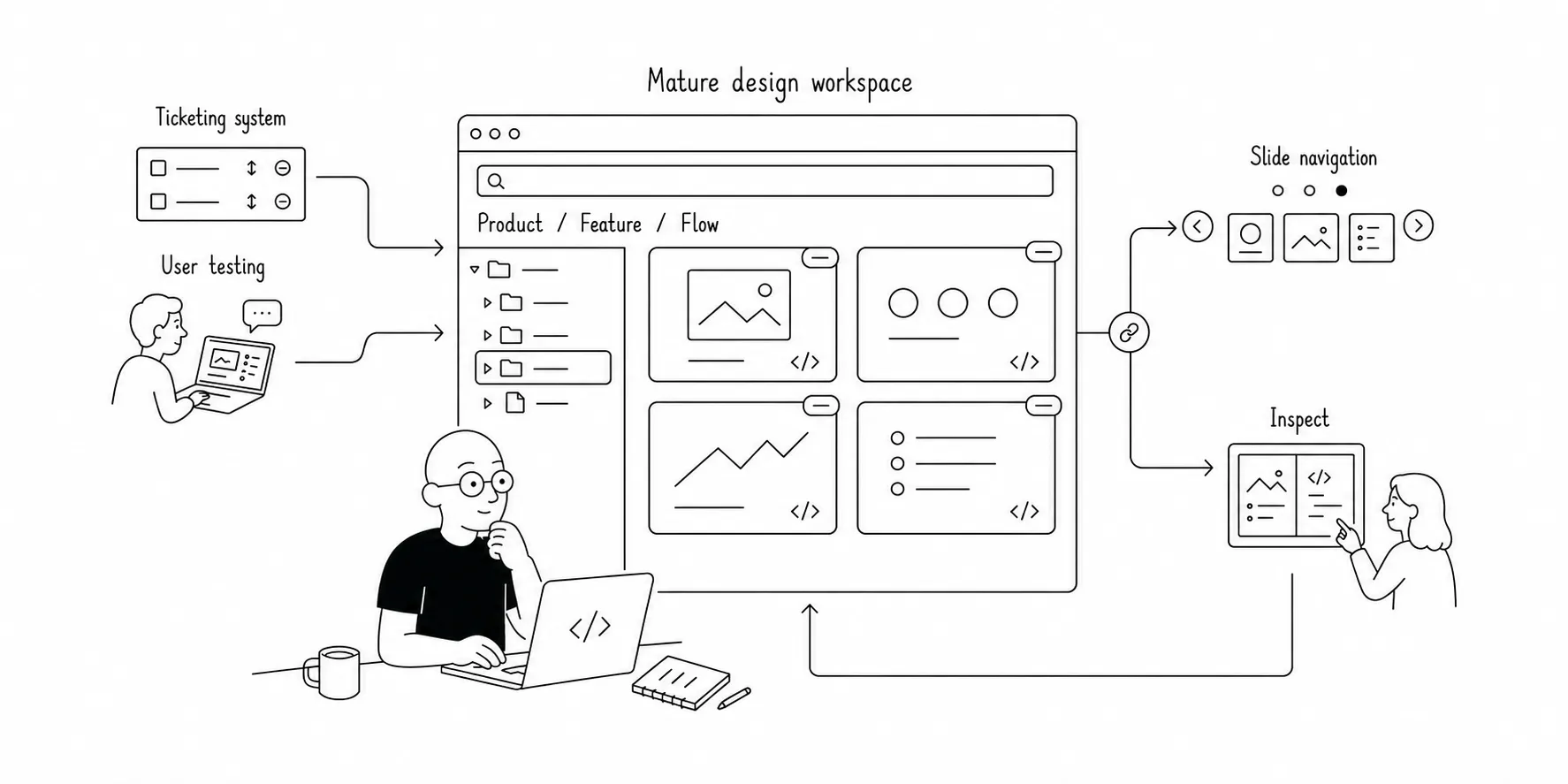
One slide-based workspace where every design state is built with the product’s own components, organized in a tree, and reviewable as a working flow.
Teams reviewed working prototypes before implementation, engineers reused CSS and code from them, and a React Flow proof of concept helped management choose a library.
Context
I was responsible for interface design in a new product, within a startup-like R&D group with limited resources. Every detail represented a deliberate design decision, but important details kept disappearing between design and implementation.
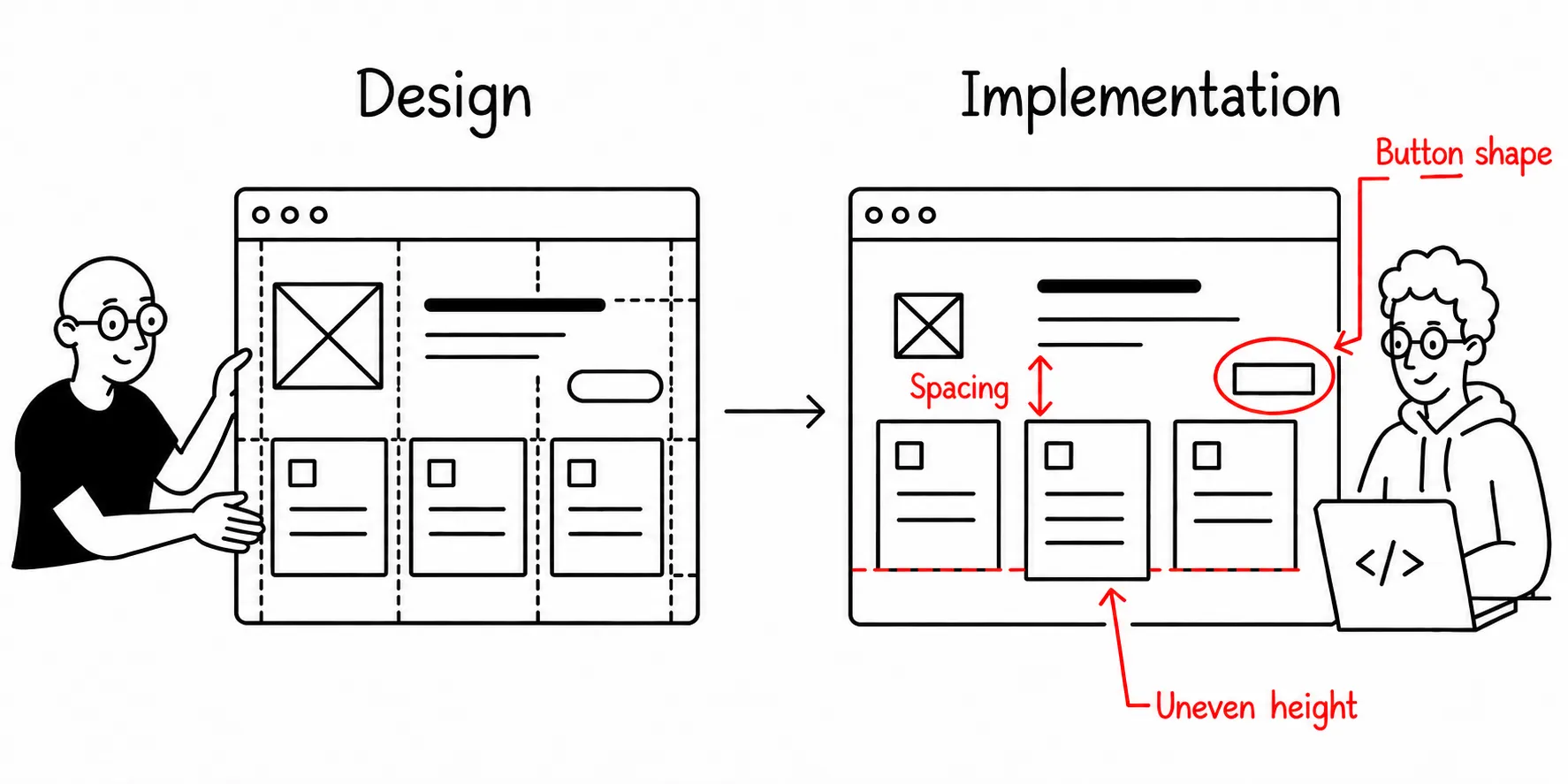
Small fix, big change
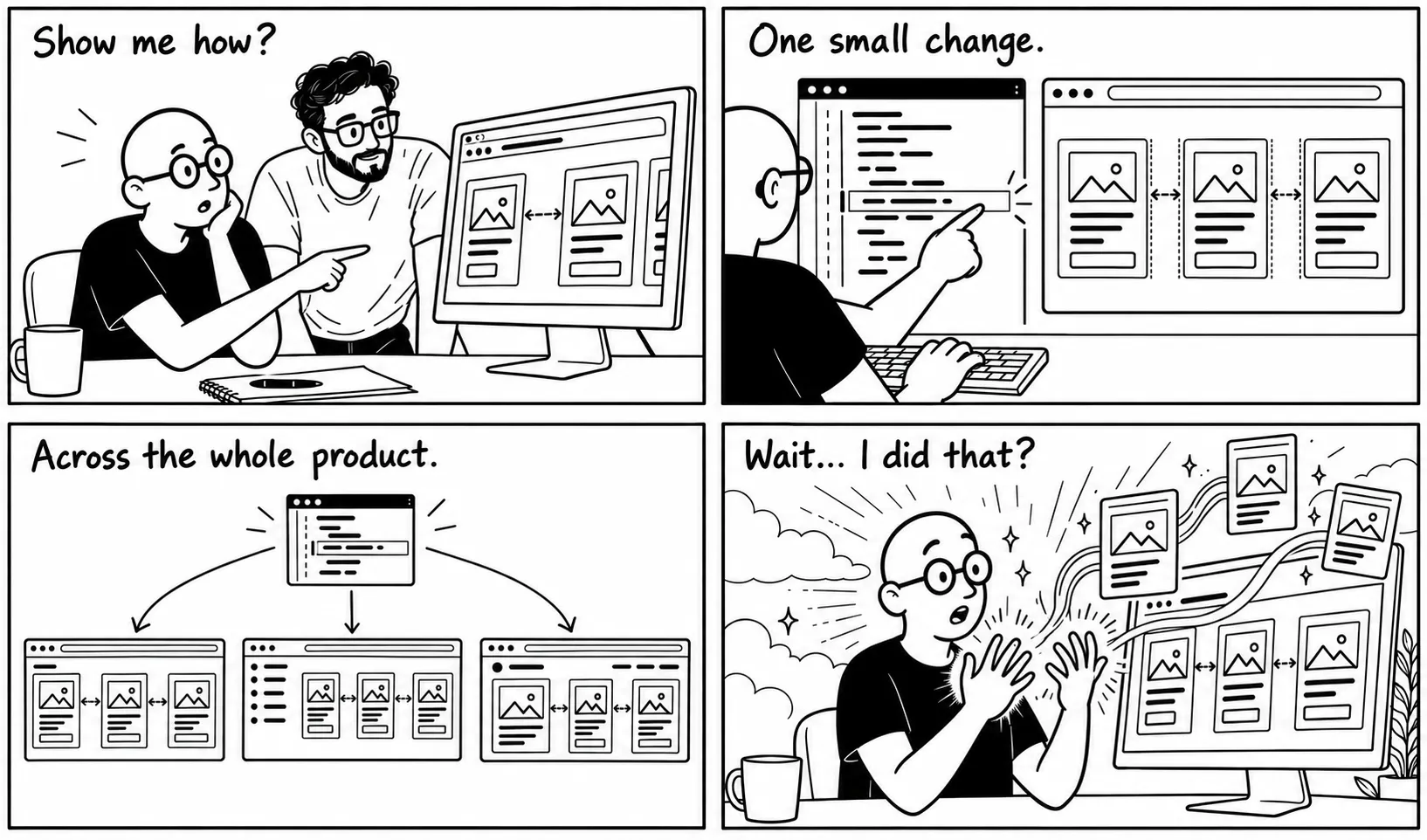
One day, I asked a developer to show me how to fix the spacing on an implemented page. The product used Twitter Bootstrap, and I discovered how changing something in one place could influence the interface across the entire product.
It blew my mind.
It felt as if I was touching controls that only gods were supposed to touch. I could reach into the product and change it myself. That day, the small change I made directly in the product changed me.
Diving into web design
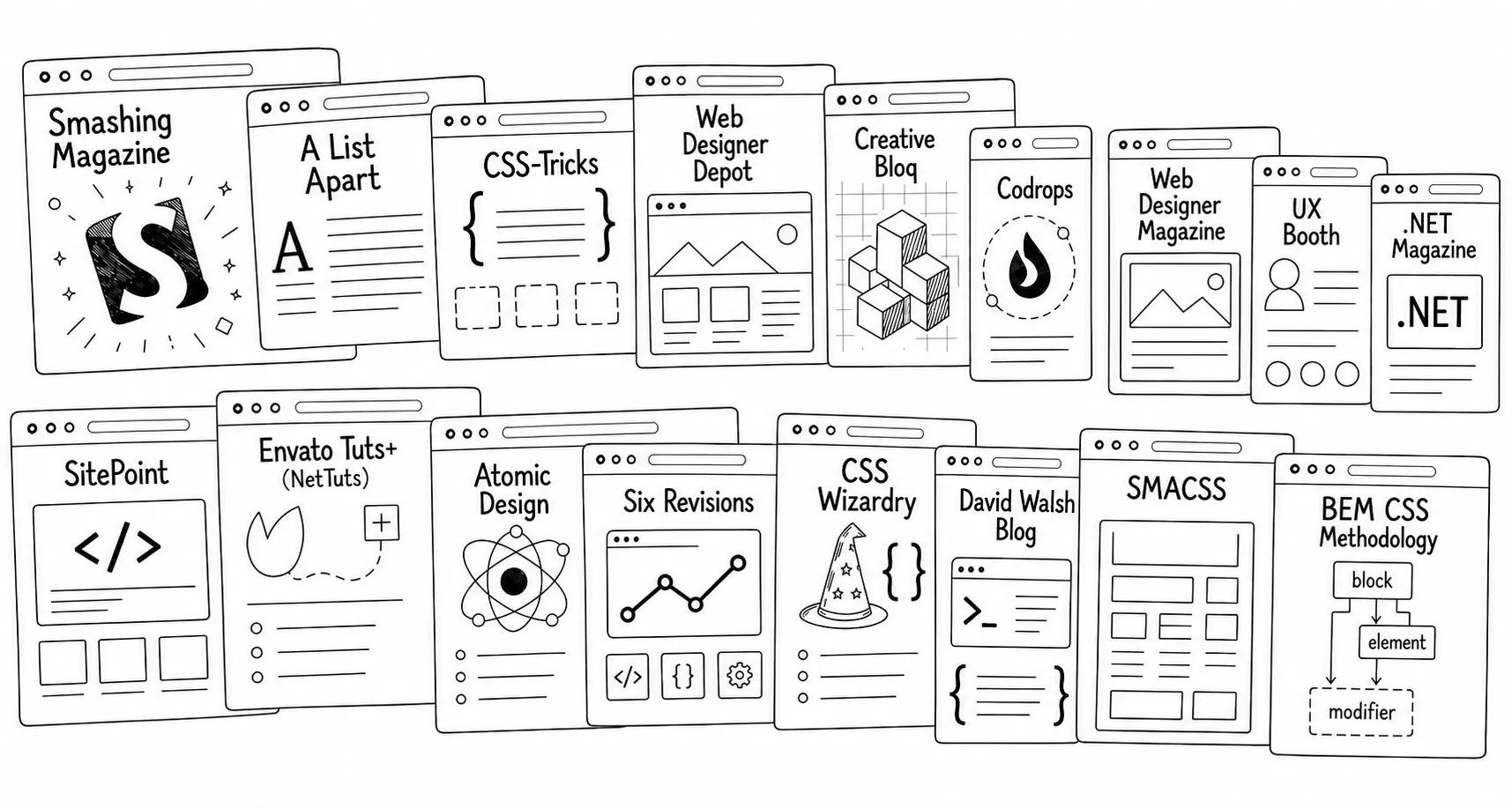
I became obsessed with web design. I read every magazine, blog, and article I could find and followed the web-design stars of the time.
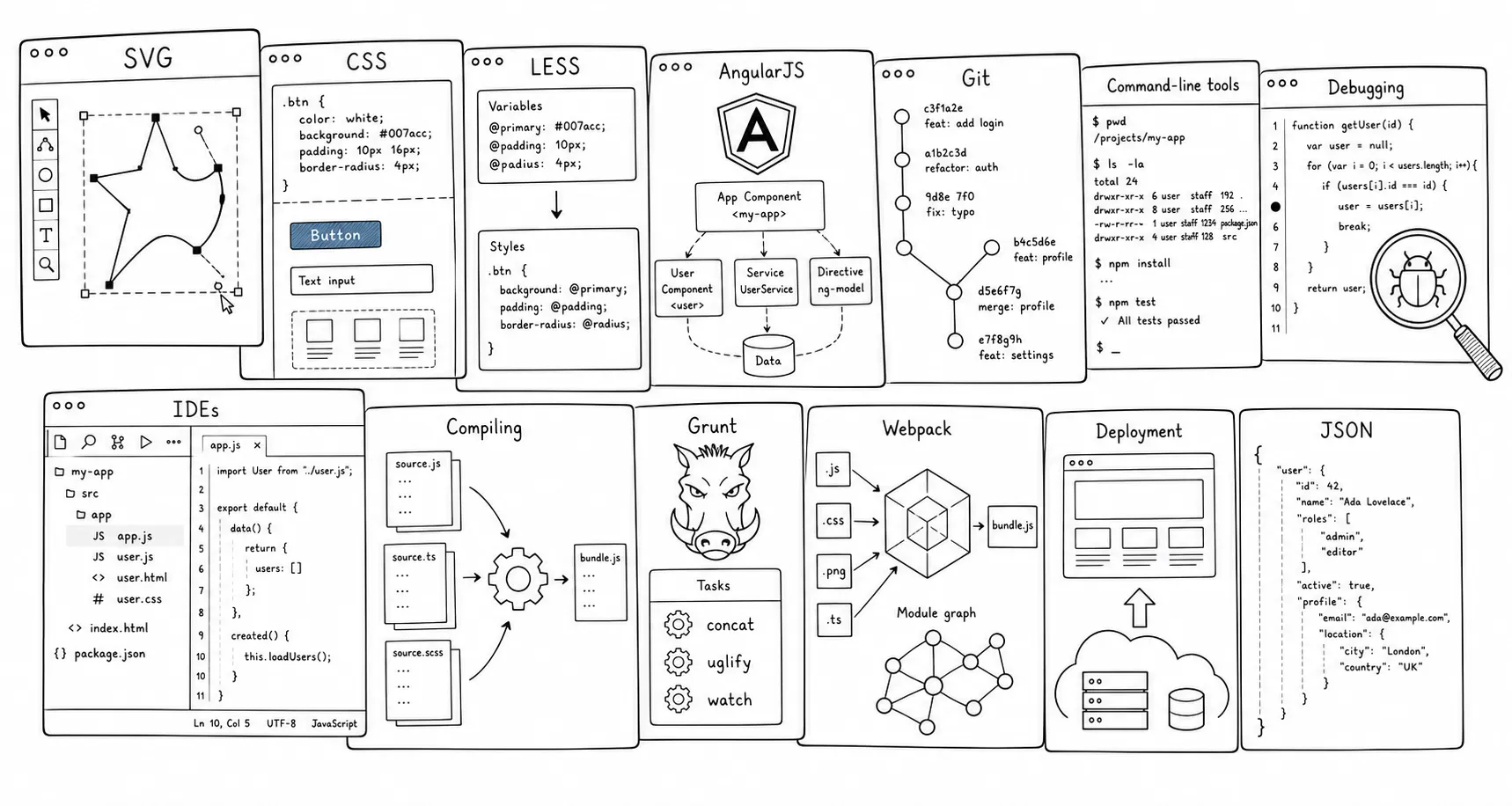
I learned CSS, LESS, SVG, JavaScript frameworks, version control, and the tools around them. Every new thing ignited my imagination: how could I use it in my next design or improve something we had already built?
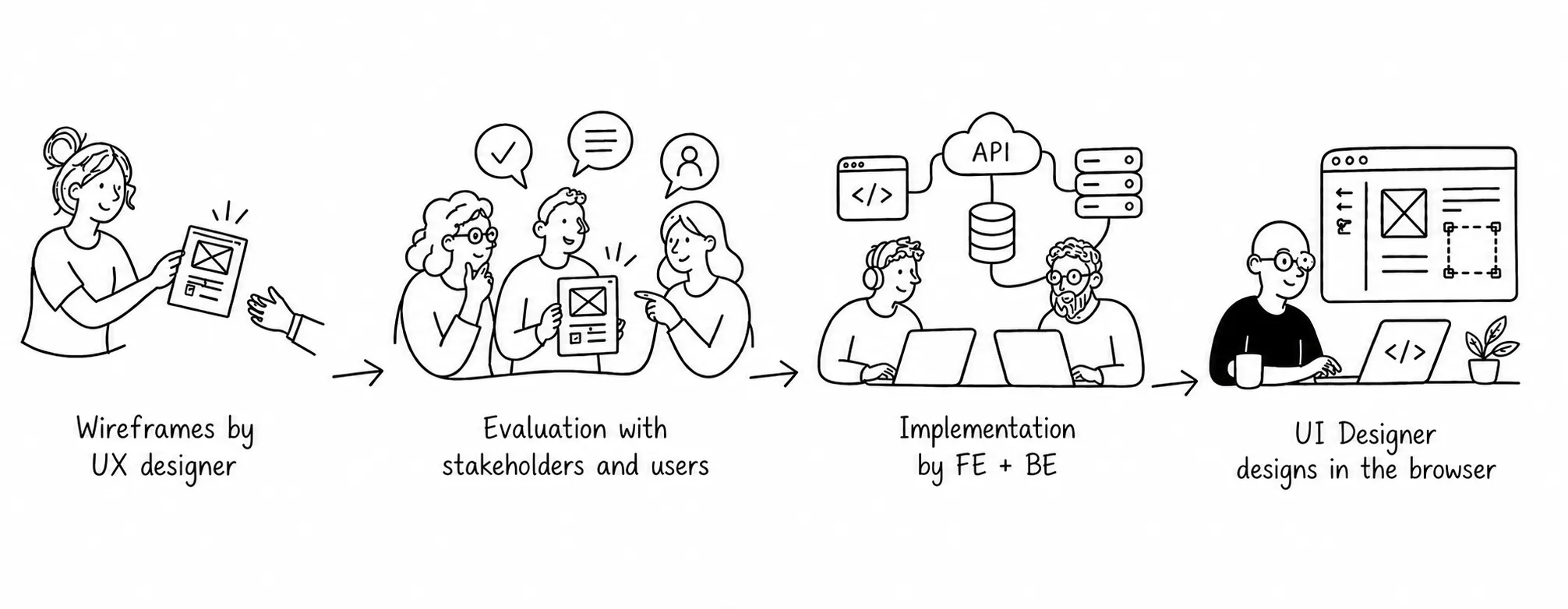
Designing in the browser
After several months of customizations, I decided to stop fighting Bootstrap and replace it with a CSS framework of my own. By then, I was comfortable enough with code to make designing in the browser my primary approach.
I designed and refined the UI after engineers had implemented most of the functionality, pushing changes as if I was one of the developers. We could shape the product’s real behavior, using its actual data and components.
For several years, this process worked smoothly within our agile workflow.
The problem
When my responsibilities expanded from UI design to include the product’s upstream UX work, the situation changed dramatically.
I needed to explore complete user flows, compare multiple directions, share proposals, gather feedback, and iterate before implementation began.
I could no longer continue working the same way.
I needed the exploratory freedom of a conventional design tool, but I wanted to preserve the flexibility, efficiency, and product fidelity I had gained by working in code.
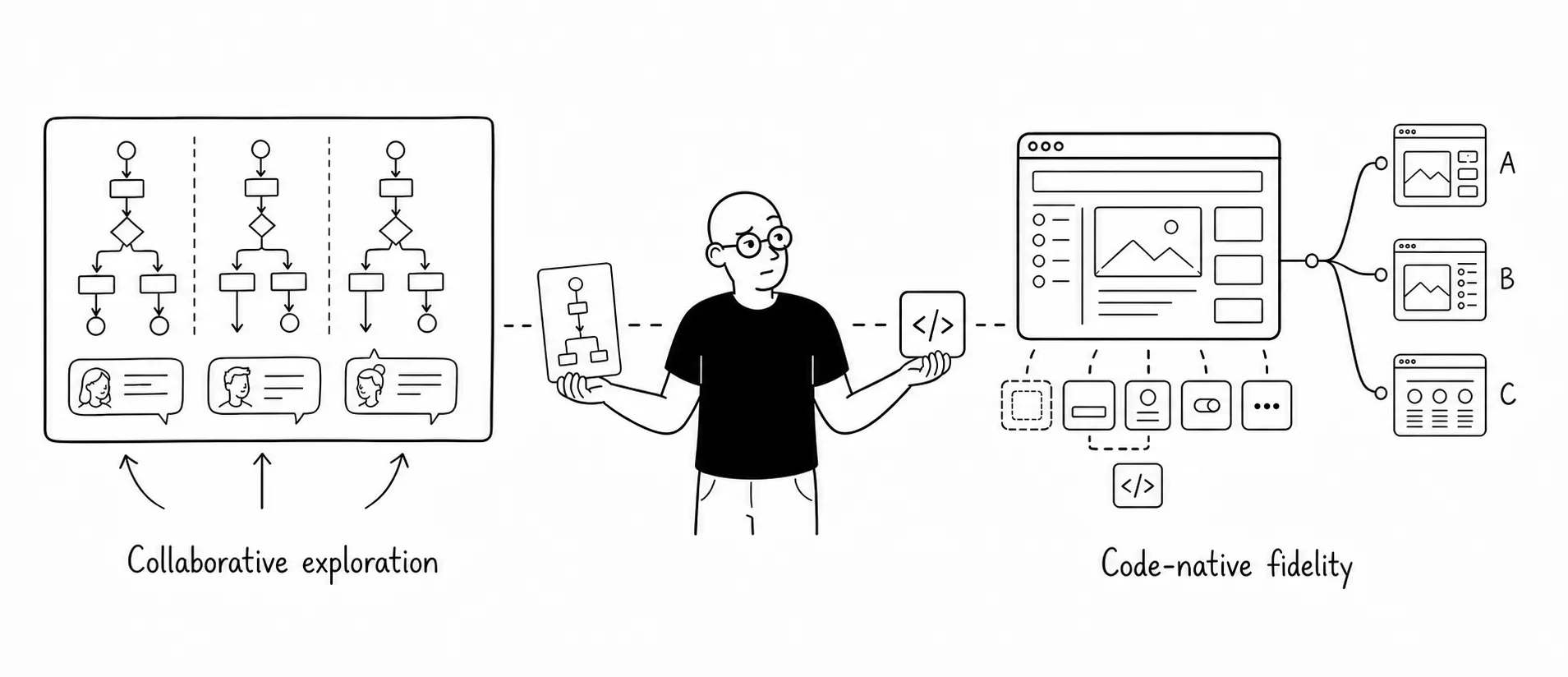
Searching for a solution
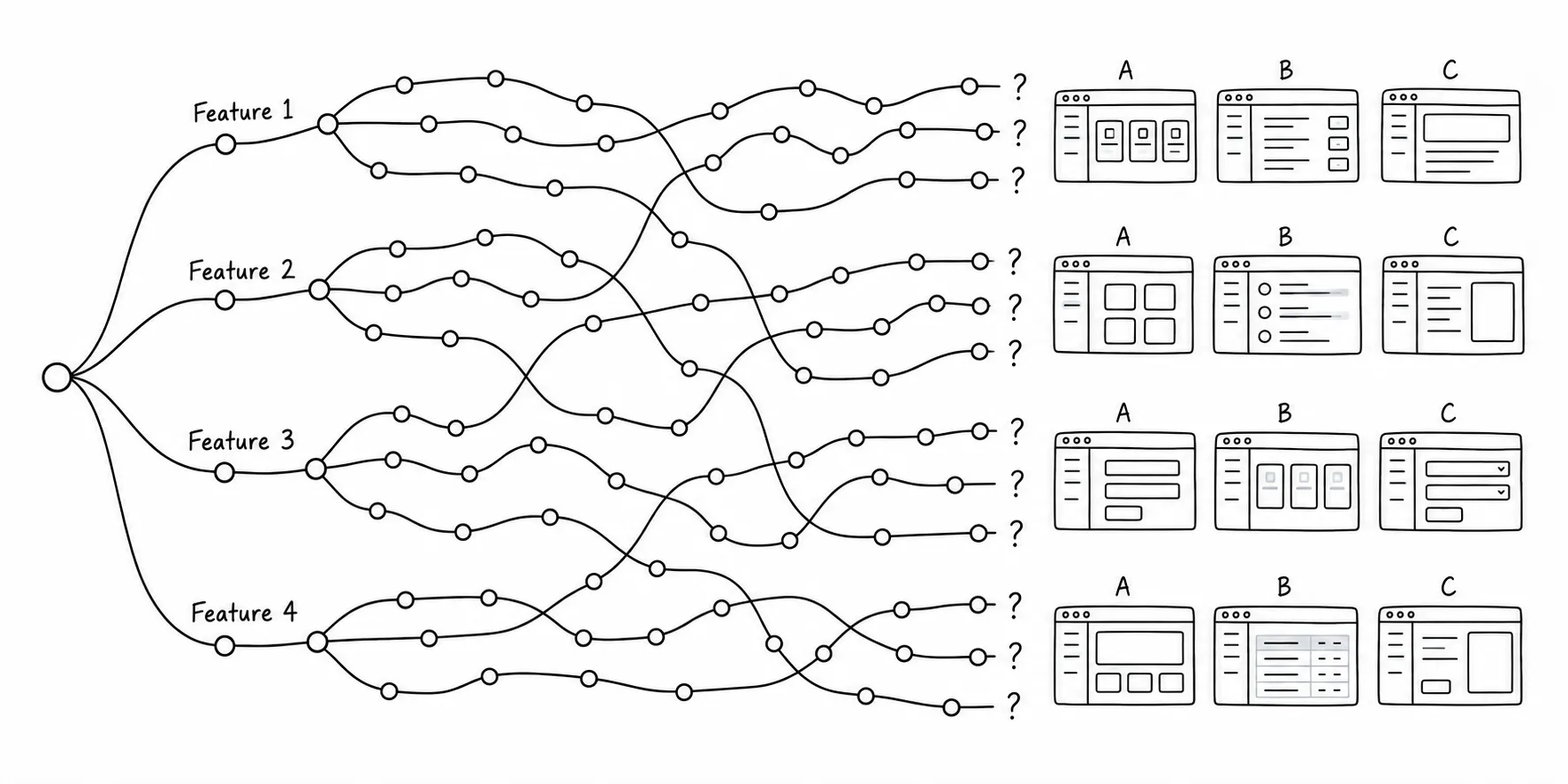
Git branches
Exploring several alternatives through development branches was difficult to organize and maintain, especially because we didn’t even know how the feature would work.
Classic design tools
The tools I considered let me explore flows and share ideas, but I would still have to recreate the product’s styling, components, and behavior. I wanted that freedom while keeping the flexibility and fidelity of designing in the browser.
| Capability | Illustrator | Sketch | Axure |
|---|---|---|---|
| Explore multiple design directions | Yes | Yes | Yes |
| Design without writing code | Yes | Yes | Yes |
| Adapt designs to different screen sizes | No | Yes | Yes |
| Add interactions and animations | No | No | Yes |
| Let the browser lay out changing content | No | No | No |
| Use the product’s actual styles | No | No | No |
| Design with the product’s working components | No | No | No |
| Bring in working charts, tables, and diagrams | No | No | No |
| Provide reusable code for the product | Limited | Limited | Limited |
| Reuse data across tables, charts, and screens | Limited | With plugins | Limited |
| Try different chart data and settings | Basic charts | No | Custom setup |
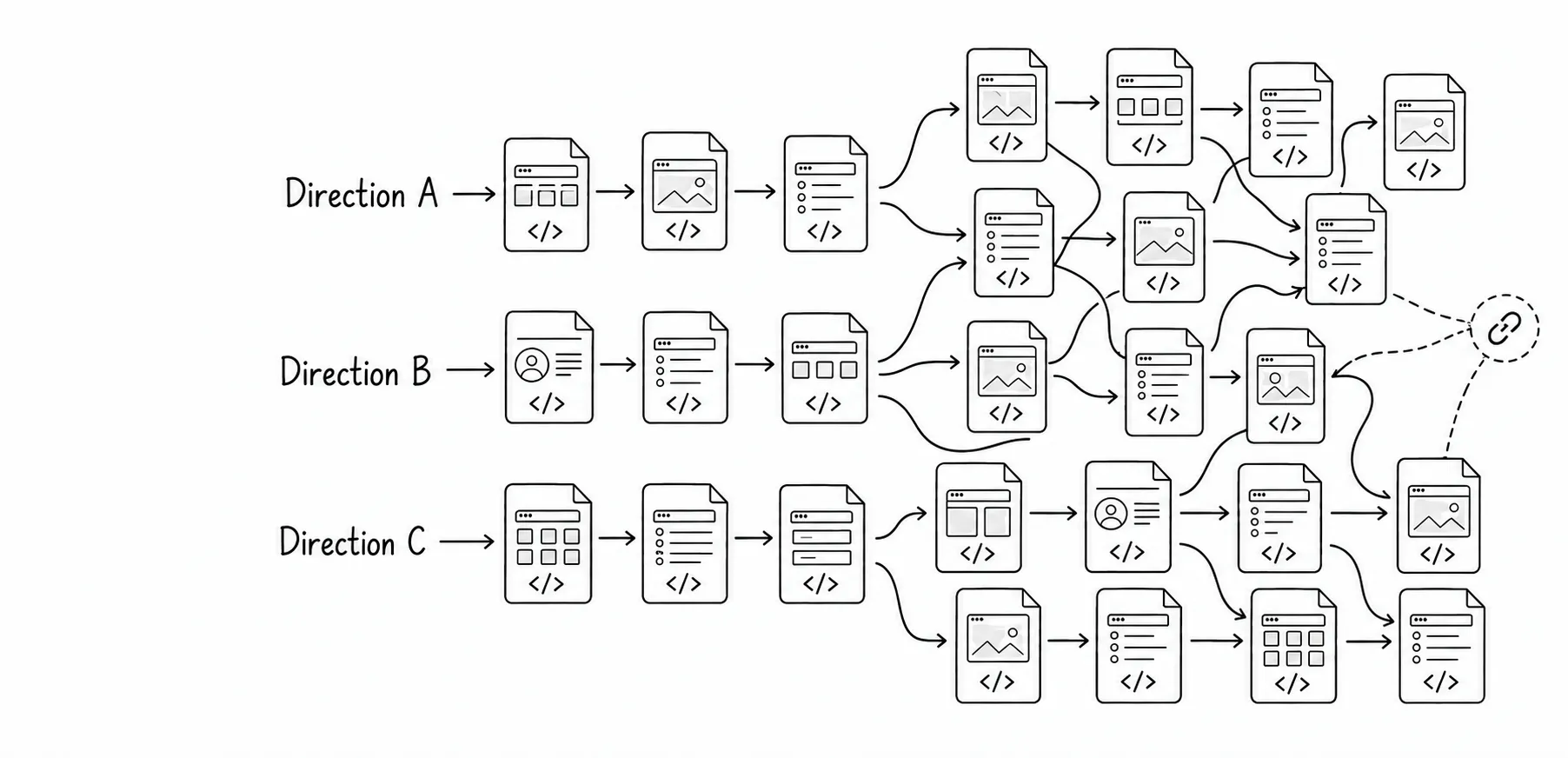
HTML files
My first standalone solution was naive: one HTML file per step in a user flow. Exploring alternatives became easier, but files multiplied, making organization, sharing, and reuse painful. I needed the structure and capabilities of a full web application.
Presentation tool
Before the UX colleague moved to another position, she was using PowerPoint to share her designs with the team. I thought: what if I created a PowerPoint-like application with all the slides built with code?
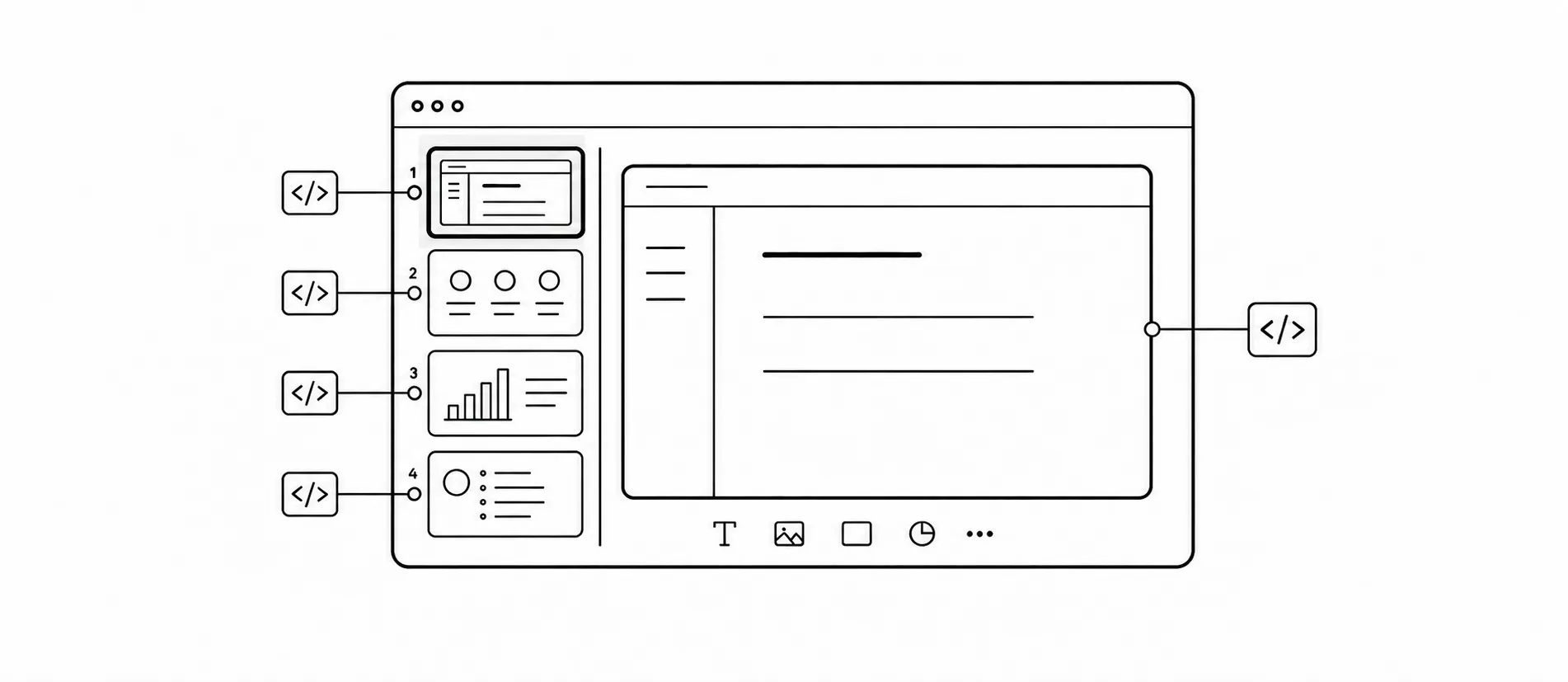
Loading local files
I followed the PowerPoint analogy too literally and tried to create a tool that would load presentations from files, like PowerPoint does. It looked like an attempt to invent a new file format, which didn’t make sense.
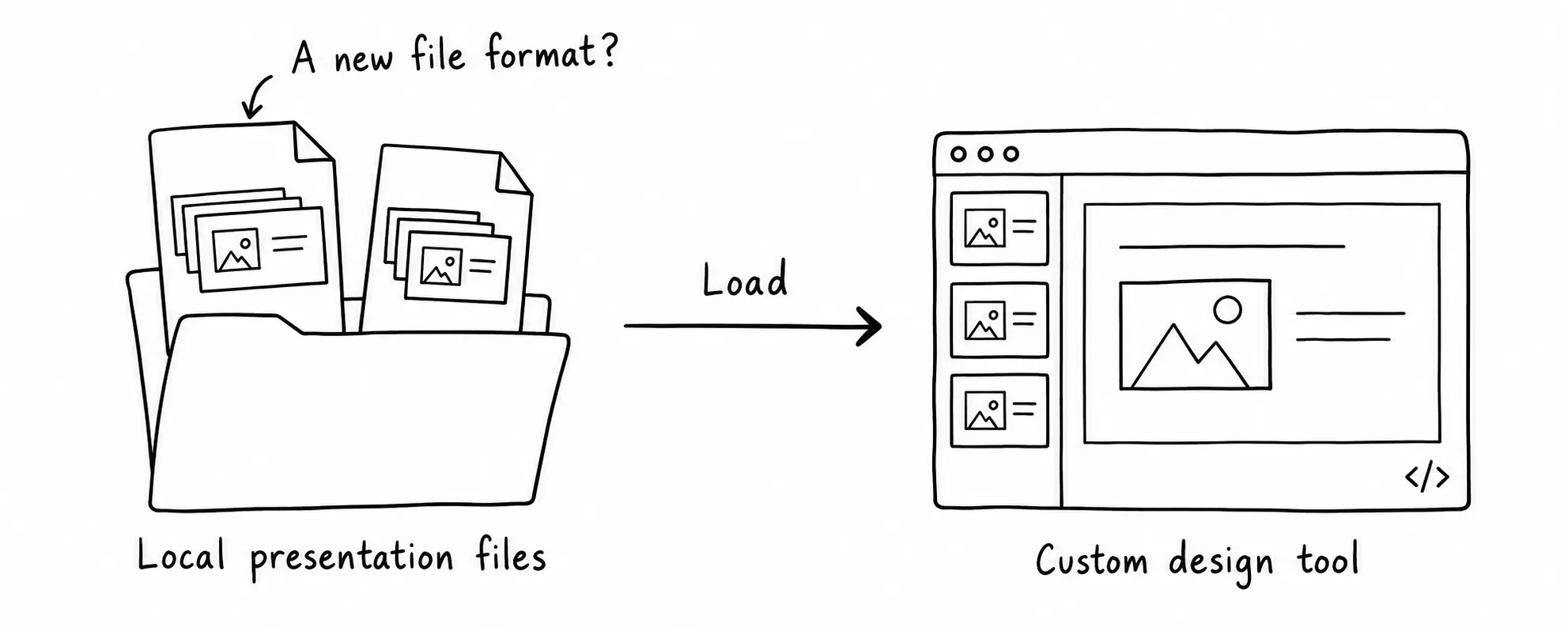
One workspace for all designs
Eventually, I realized that the slides did not need to be divided into separate presentation files and nothing should be loaded from outside.
All designs could live inside one application, organized through a tree representing the complete workspace.
The slides would provide the freedom to create and compare many design states. The shared application would provide structure, reuse, and the fidelity of working with code.
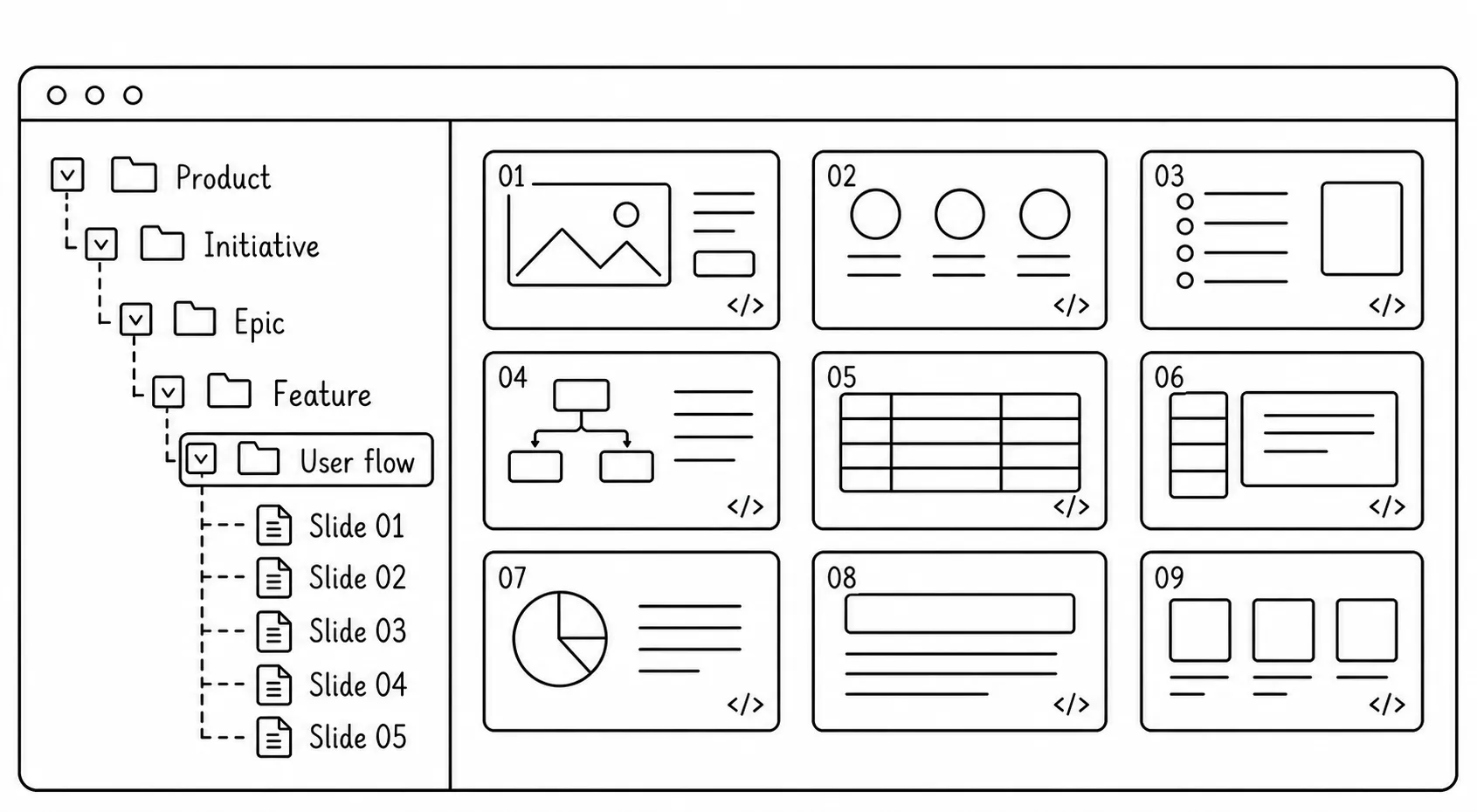
Implementation
Making it work
The concept was straightforward. Making it work took months.
Building the first viable version involved substantial engineering work. I had to solve challenges ranging from rendering slides inside iframes and communicating with them to generating thumbnails and deploying the application.
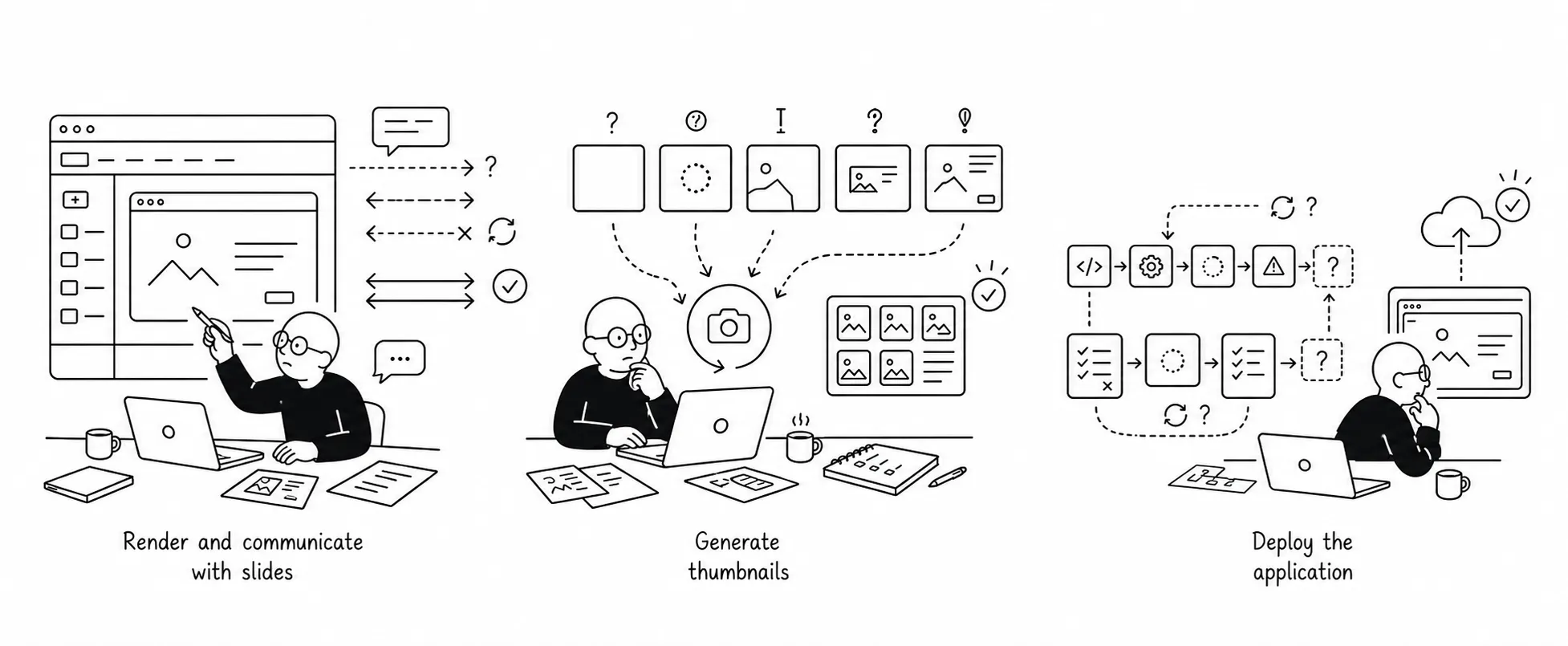
First working version
The result was a lightweight, slide-based design environment in which individual states could use real components, realistic content, and the specific behaviors needed to answer design questions.
Taking it further
The tool was proof that it was possible to do UX design in code. I was using it daily and had plans to turn it into a mature design workspace.
The rebuild
After nine years at HP, I joined Check Point, where CloudGuard was moving toward React. It was an opportunity to take the tool further while continuing to design close to the real product.
I couldn’t reuse the original implementation: it belonged to HP and relied on AngularJS and HP-specific foundations. With a different design system and frontend stack at Check Point, I rebuilt the application from scratch and added capabilities the original version had been missing.
See where you are and jump to a parent folder.
How I used it
Creating user flows
I used slide sequences to explore user flows and refine design decisions with the team.
Creating responsive designs
I used the tool to explore how layouts adapt to limited space, working with real components and content in the browser.
Evaluating third-party libraries
I used the tool to evaluate third-party libraries in the product context, testing their capabilities and how well they fit our design system.
Leveraging the medium
Working directly in the browser gave me more ways to solve layout and interaction problems.
Exploring new interactions
I used the tool to explore new interaction ideas and test their behavior directly.
Designing with production components
I designed with the same components and libraries used in production, shaping layouts and interactions around their actual capabilities and constraints.
The impact
Across HP and Check Point, the tool gave my teams working prototypes they could review, question, and refine before implementation. We could discuss how an interface behaved alongside how it looked.
At HP, front-end engineers often reused parts of my mockups in their implementation. At Check Point, they could inspect the exact components, styling, and behavior behind a design, and sometimes reuse the CSS, configuration, or code directly. More of the design intent could carry through into the product.
The prototypes also helped inform product decisions. My React Flow proof of concept showed the library working with our styling and components, helping management evaluate and choose a direction that was subsequently adopted in the product.
For me, the lasting change was in how I approached design: exploring ideas through working behavior, with the product’s capabilities and constraints close at hand.